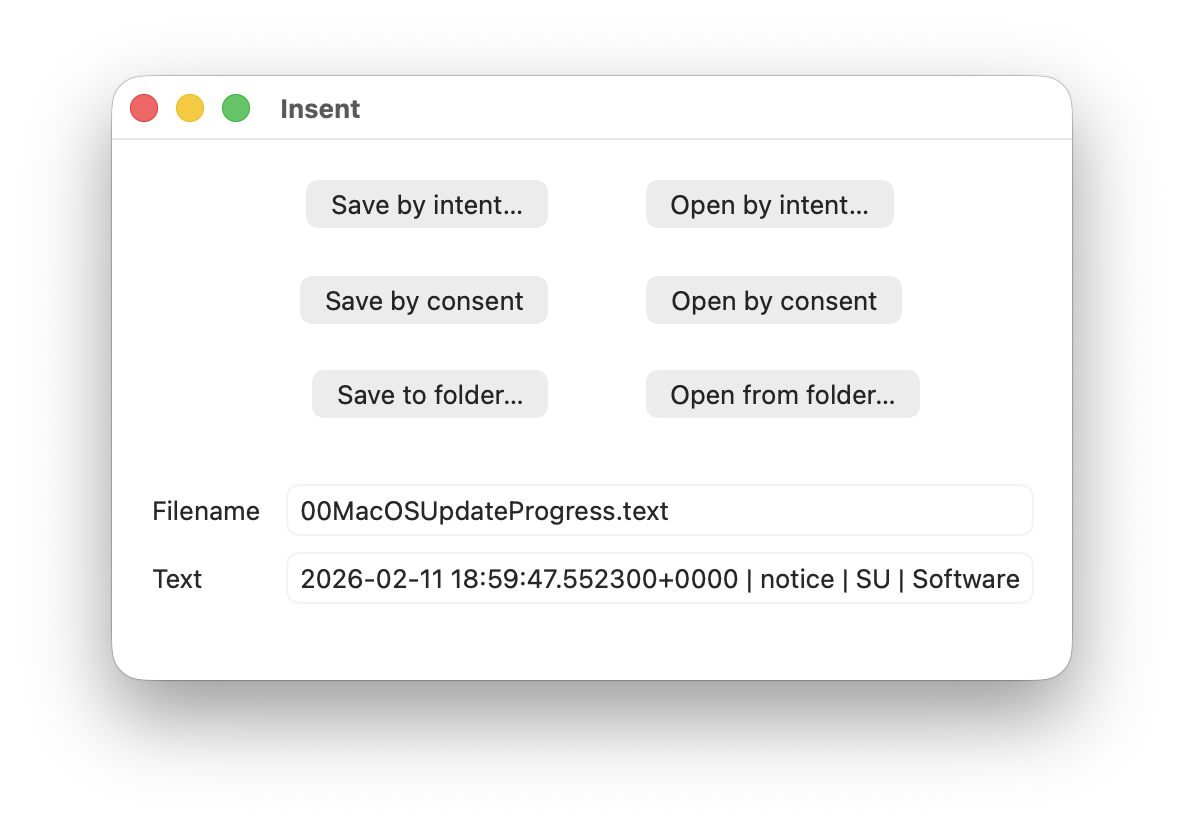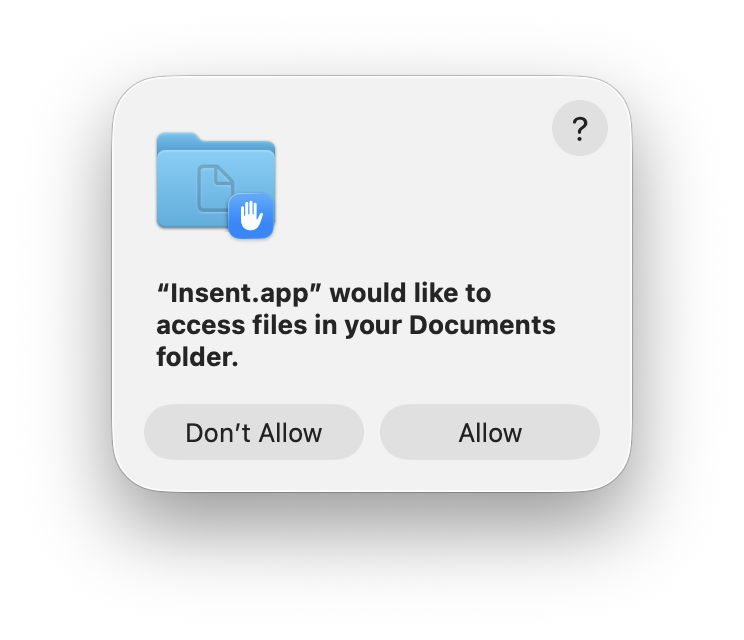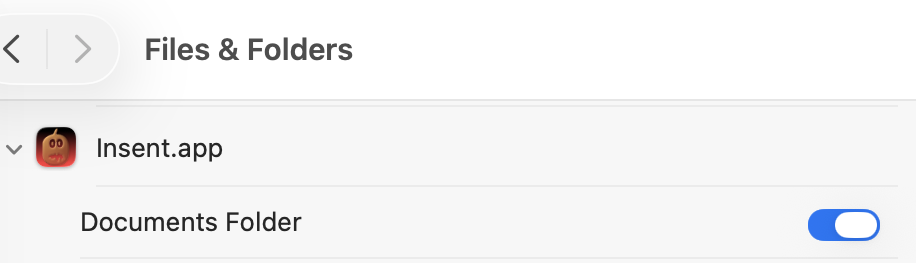
macOS’s Privacy and Security settings fail to deliver the ironclad protection users expect. Apps routinely bypass permissions for camera, microphone, files, and more, even after explicit denials. A recent Hacker News thread highlights demos where simple apps read denied resources, exposing flaws in Apple’s Transparency, Consent, and Control (TCC) system. This matters because millions rely on these toggles as their primary defense, underestimating risks from legitimate apps and malware alike.
Apple introduced TCC in macOS Mojave (10.14) in 2018 to gatekeep sensitive APIs: camera, mic, location, contacts, photos, and Full Disk Access. Users see prompts on first access, then manage via System Settings > Privacy & Security. Deny an app, and it should get blocked. In theory. Reality diverges. TCC logs consents in a SQLite database at /Library/Application Support/com.apple.TCC/TCC.db, but enforcement relies on per-API checks that attackers and buggy apps sidestep.
Known Bypasses and Bugs
History shows repeated cracks. In 2021, Xcode (Apple’s own IDE) silently granted itself microphone access, ignoring user settings—a bug fixed in 11.5. Worse, third-party apps exploit gaps. For instance, developers demo apps using NSFileManager to read ~/Library/Preferences despite Full Disk Access denial, as TCC only protects user-designated folders, not all paths uniformly.
ScreenCaptureKit, introduced in Ventura (13.0), lets apps capture screens without TCC prompts if they qualify as “screen recording” tools. Zoom and others abused this; a 2023 patch (14.2.1) nerfed it, but not before widespread exposure. Microphone access via AVFoundation APIs sometimes skips checks for “system” extensions. A 2024 demo on HN showed a Safari extension reading contacts via WebKit bridges, evading browser sandbox.
Numbers underscore the issue: CVE database lists 50+ macOS TCC-related vulns since 2018, per NIST. Apple’s patch cadence helps—Sonoma (14.x) fixed 10 in its first year—but zero-days persist. Malware like XLoader (2022) faked TCC prompts to self-authorize. Even without exploits, apps chain entitlements: a helper tool with legit access elevates privileges.
Why This Undermines Trust
Implications hit hard. Enterprises push Macs for “security,” citing Gatekeeper and XProtect, yet TCC lapses enable data exfil. A denied Photos app still pulls metadata via iCloud sync. Financial apps read keystrokes indirectly through accessibility toggles, often required for “features.” Users face phishing-like prompts repeatedly, leading to fatigue—studies show 70% approve unknown apps (Pew, 2023).
Apple prioritizes UX over lockdown. Settings hide nuances: Full Disk Access blocks most, but not /tmp or network-mounted volumes. No audit logs for denials by default. Compare to iOS: stricter, app-tied permissions with fewer bypasses. macOS’s open ecosystem invites abuse—Homebrew, sideloaded .dmg files bypass notarization easily.
Fairness note: Apple outperforms Windows UAC, where elevation prompts flood users. TCC blocks 95% of casual snoops (Apple WWDC data). But for pros handling crypto keys or docs, it’s insufficient. Why it matters: In a post-APT41 world, nation-states target devs via macOS supply chains. One bypass leaks trade secrets.
Practical Fixes and Mindset Shift
Don’t scrap settings—layer up. Audit TCC.db with:
sqlite3 /Library/Application\ Support/com.apple.TCC/TCC.db "SELECT * FROM access WHERE service='kTCCServiceSystemPolicyAllFiles'"Revoke via tccutil reset All com.example.app. Run apps sandboxed: codesign --entitlements entitlements.xml -s - /path/to/app. Firewall outbound with Little Snitch or Lulu—blocks data leaks post-bypass.
Shift reliance: Encrypt disks (FileVault on), use 1Password for secrets, VPN always. Monitor with osquery or KnockKnock. Apple will patch, but users own endpoint security. macOS isn’t “secure by default”—treat it as capable but flawed. Verify settings work: test with PermissionScope or custom scripts. In crypto/finance, this gap costs millions; ignorance amplifies it.
Bottom line: macOS Privacy settings buy time, not trust. HN’s wake-up call reminds us: no toggle absolves vigilance.