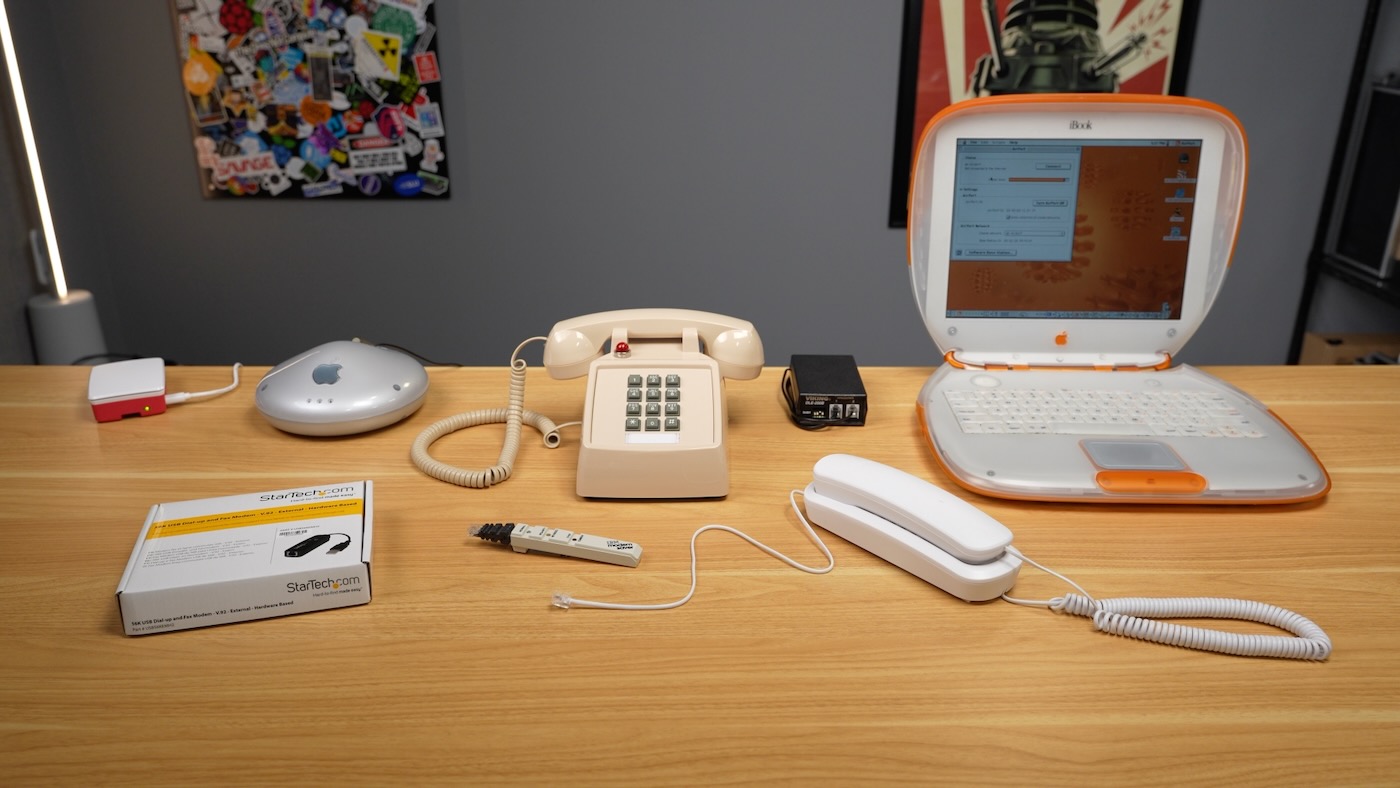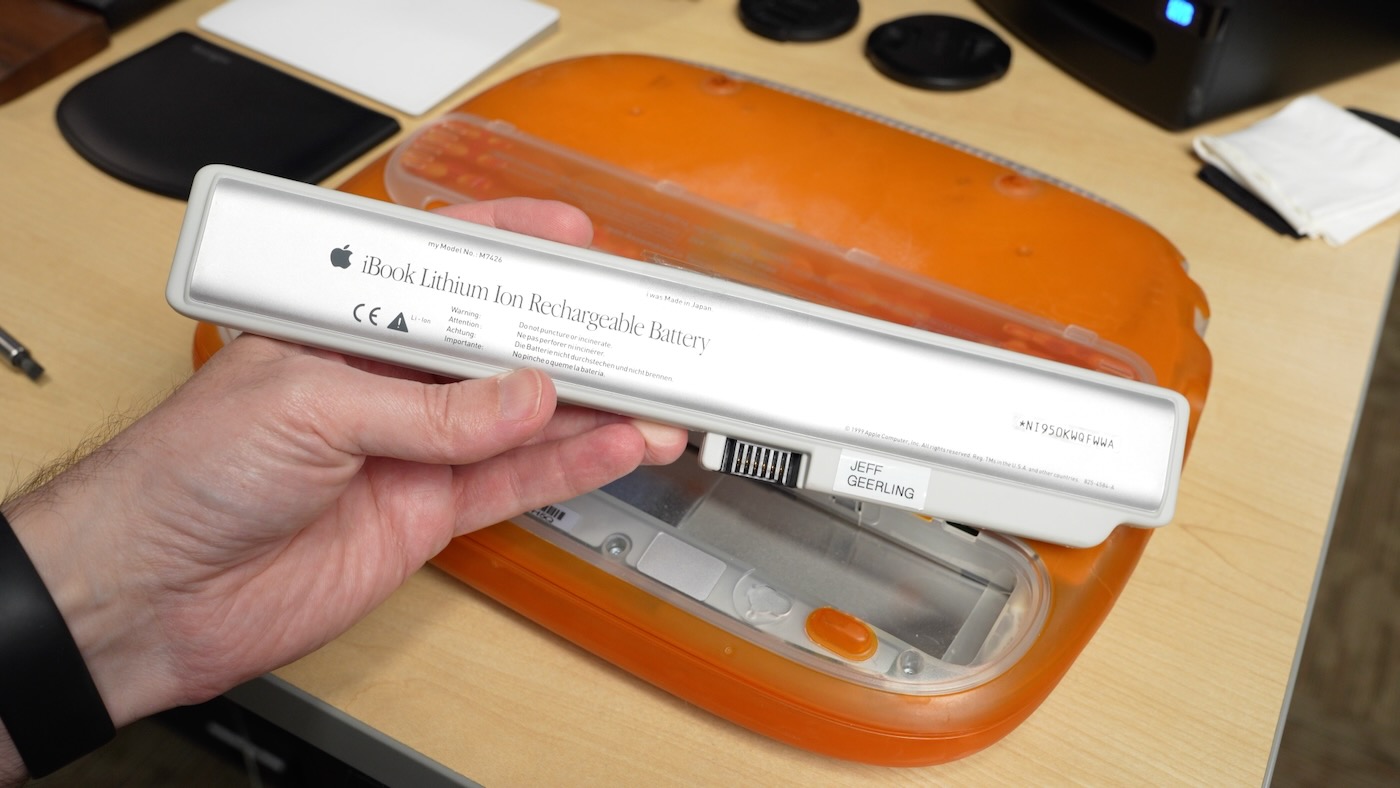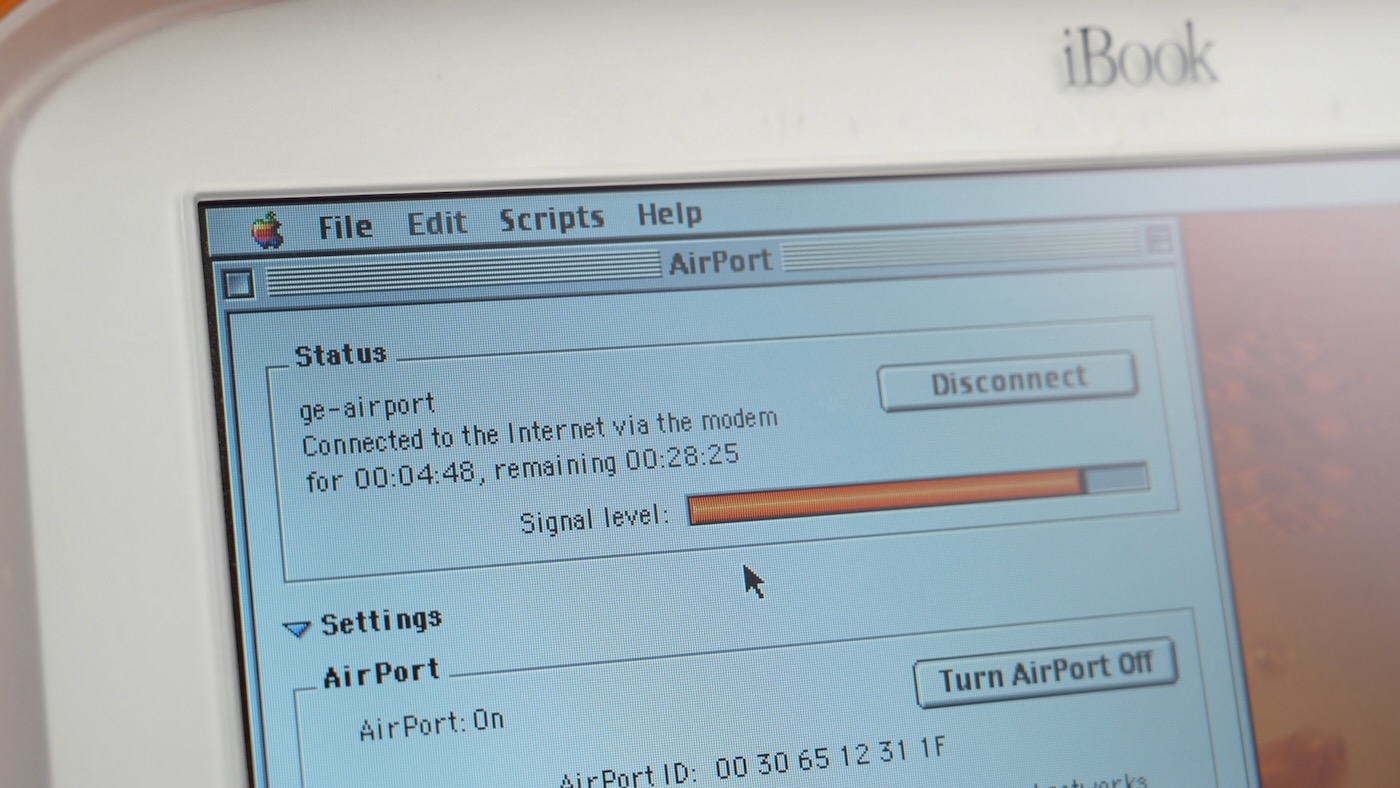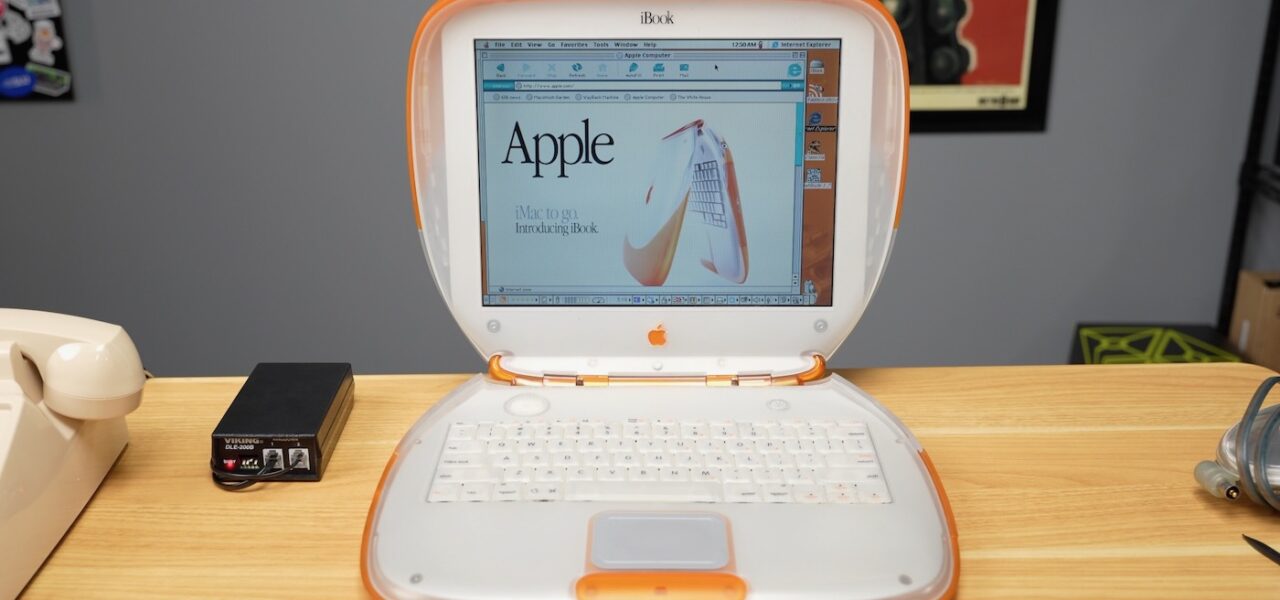
Russian hackers in the 90s dialed into corporate networks at 56Kbps. Today, you can replicate that era’s dial-up ISP on a Raspberry Pi for under $210. Connect your vintage gear—like a 1999 iBook G3 clamshell with its original modem—and give it “internet” access on your local network. No POTS lines required; a $120 phone line simulator fakes the ring and connection handshake.
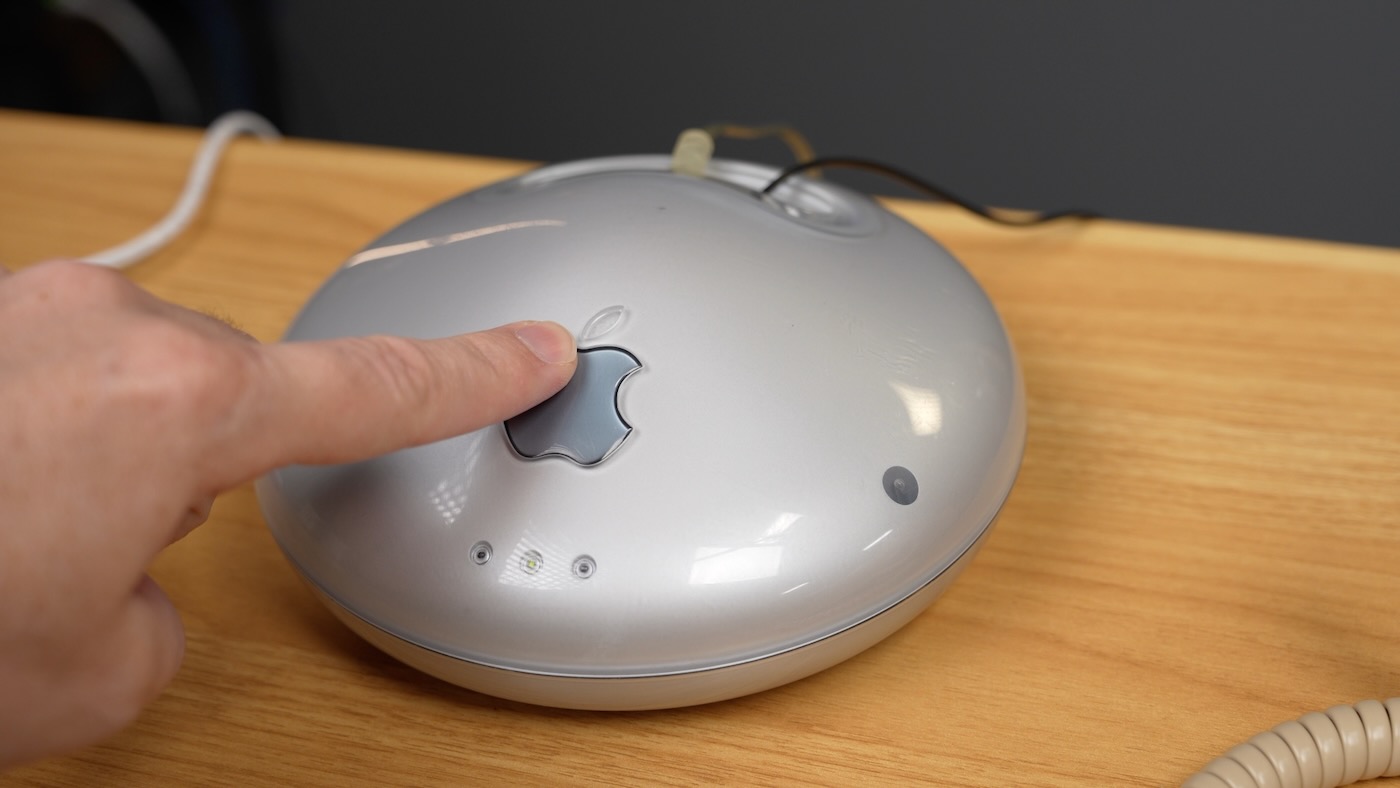
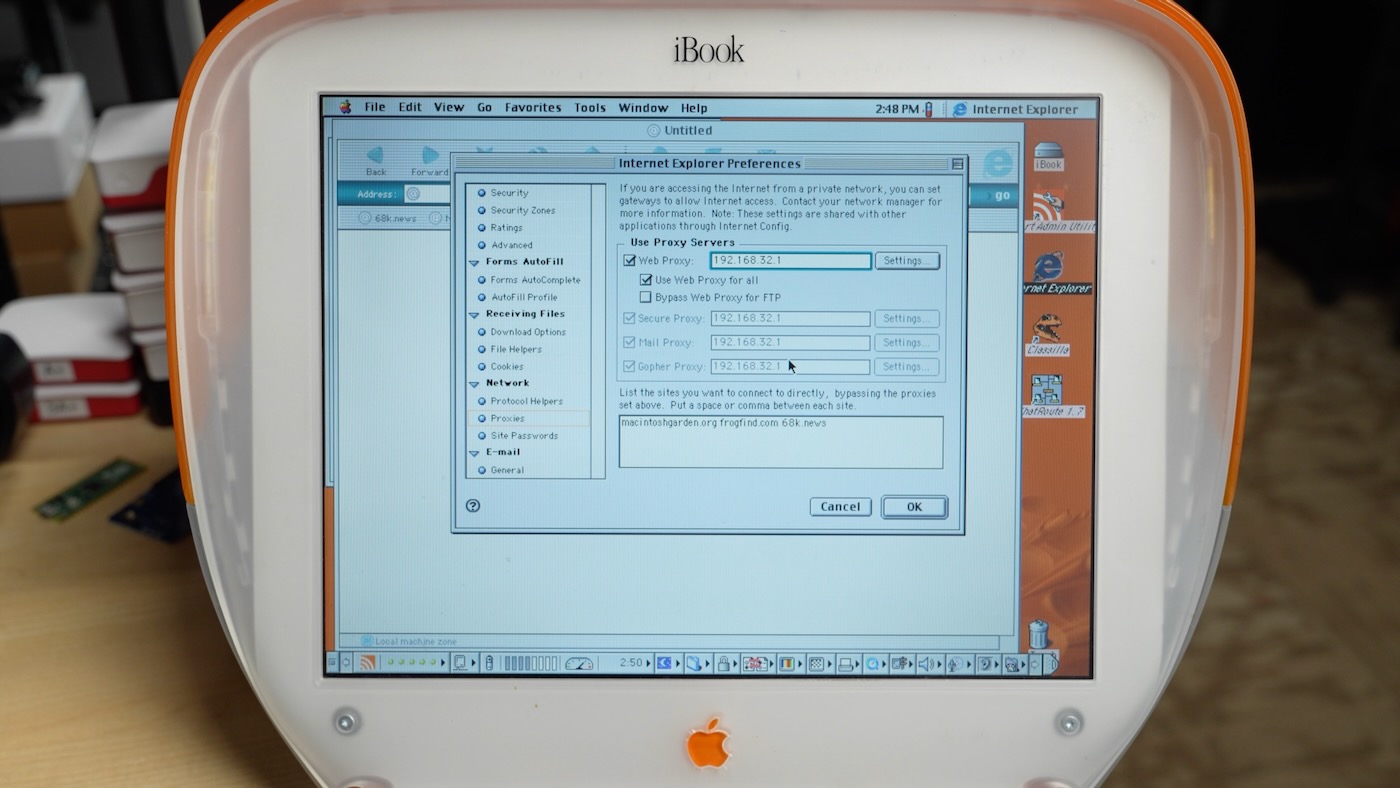
This setup revives old Macs for #MARCHintosh challenges or retro gaming nets. The iBook G3, Apple’s first Wi-Fi laptop via the $99 AirPort card, topped out at 11Mbps shared—often half in practice. But most users in 1999 tethered to AOL dial-up at 33-56Kbps. Original AirPort Base Stations packed a 56K modem and 10Mbps Ethernet for broadband rarities. Hackers emulated this locally: Pi as server, USB modem as ISP endpoint, simulator bridging the analog gap.
Hardware Breakdown
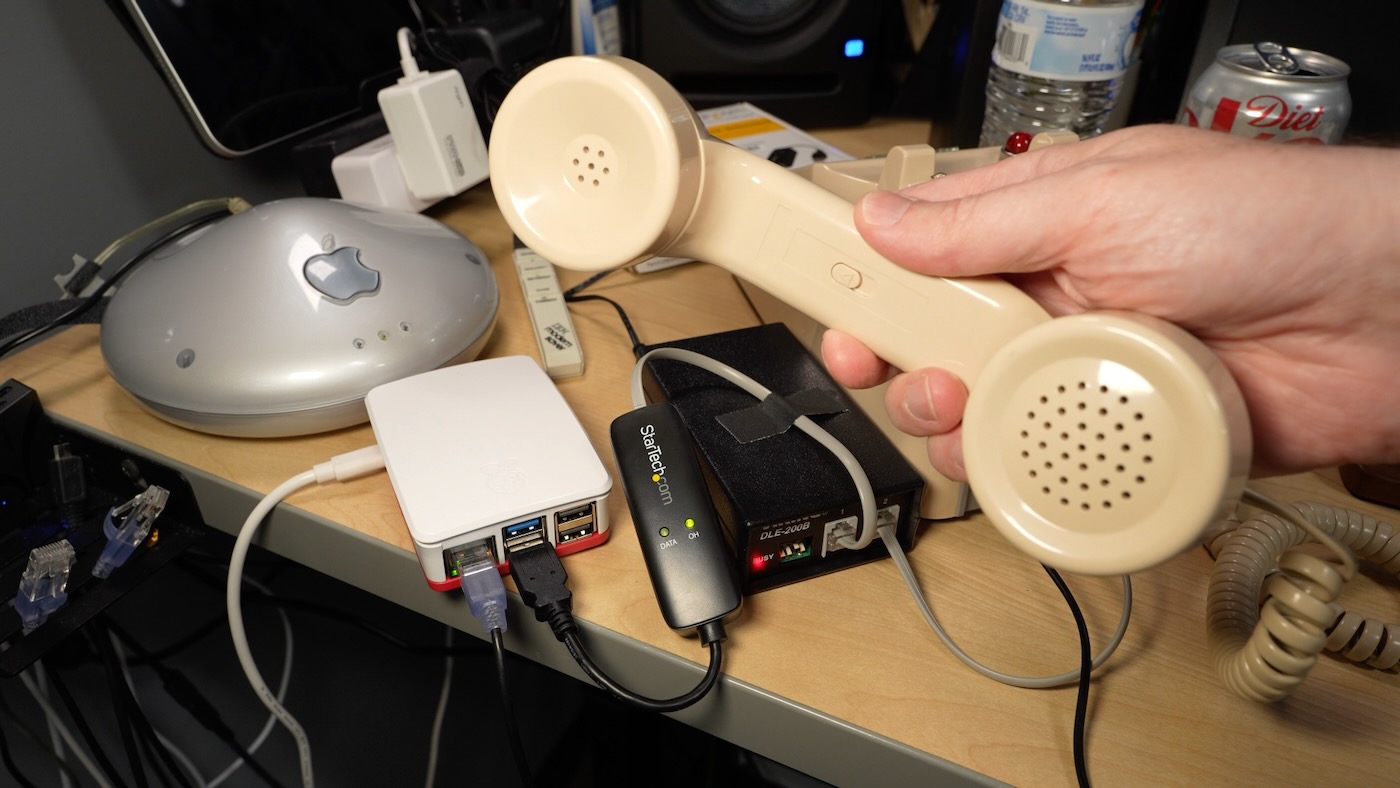
Core components total $205:
- Raspberry Pi 3/4/5: $40–$80. Handles PPP server duties; Pi 5’s quad-core ARM crushes 56K overhead.
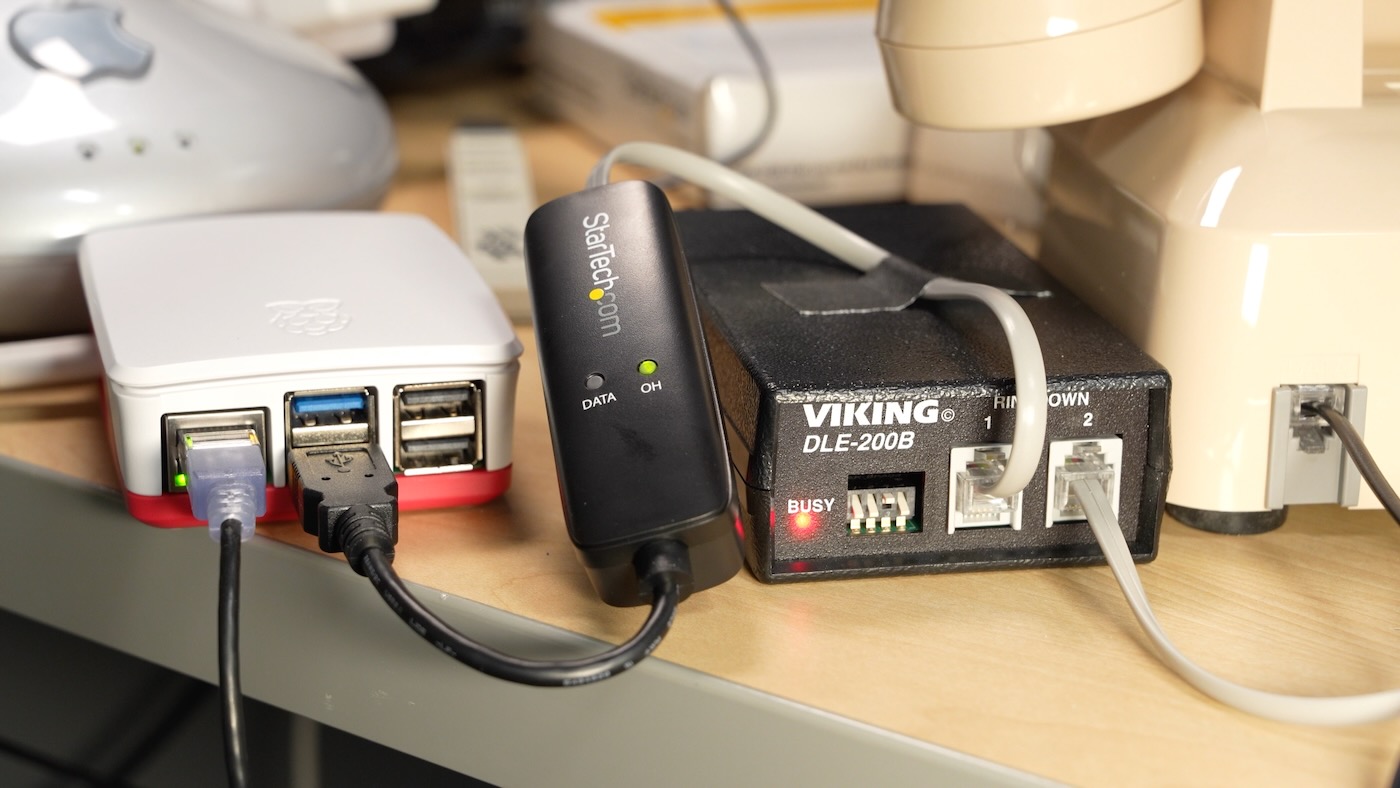
- Viking DLE-200B line simulator: $120. Emulates POTS voltage, ringing (20Hz at 80Vrms), and two-way audio. Flip DIP switch #3 up to cut audio levels for cleaner modulation—boosts connect speeds 10-20%.
- StarTech.com 56K USB modem: $45. Controllerless V.92 chipset; Linux-compatible via standard drivers. Avoid winmodems.
Connections: USB modem to Pi. Phone cord from modem to simulator’s “Line 1.” Client modem (iBook’s internal or external) to “Line 2.” Add a bell phone across for authentic rings—debug gold when modems screech errors.
Skeptical note: Real POTS emulation isn’t plug-and-play. Voltage mismatches fry modems; DLE-200B’s defaults work 90% of the time, but test with multimeter (48VDC loop on-hook). Total power draw: <10W. Runs 24/7 on a $10 UPS.
Software Setup
Pi runs Raspberry Pi OS (Debian-based). Install mgetty for modem control and pppd for IP handoff:
sudo apt update
sudo apt install mgetty ppp
Config /etc/mgetty+sendfax/login.config for auto-PPP:
/AutoPPP/ - a /etc/ppp/peers/dialup /etc/ppp/chap-secrets/etc/ppp/peers/dialup:
plugin pppoe.so  # No, for dial-up it's serial
/dev/ttyUSB0 115200
connect '/usr/sbin/chat -v -f /etc/chatscripts/gprs'
noauth
local
192.168.1.1:192.168.1.100
ms-dns 192.168.1.1  # Pi's DNS
defaultroute
usepeerdns
Blacklist modem from ModemManager: echo ‘ATTRS{idVendor}==”1c9e”‘ > /etc/udev/rules.d/99-usbmodem.rules. Reboot.
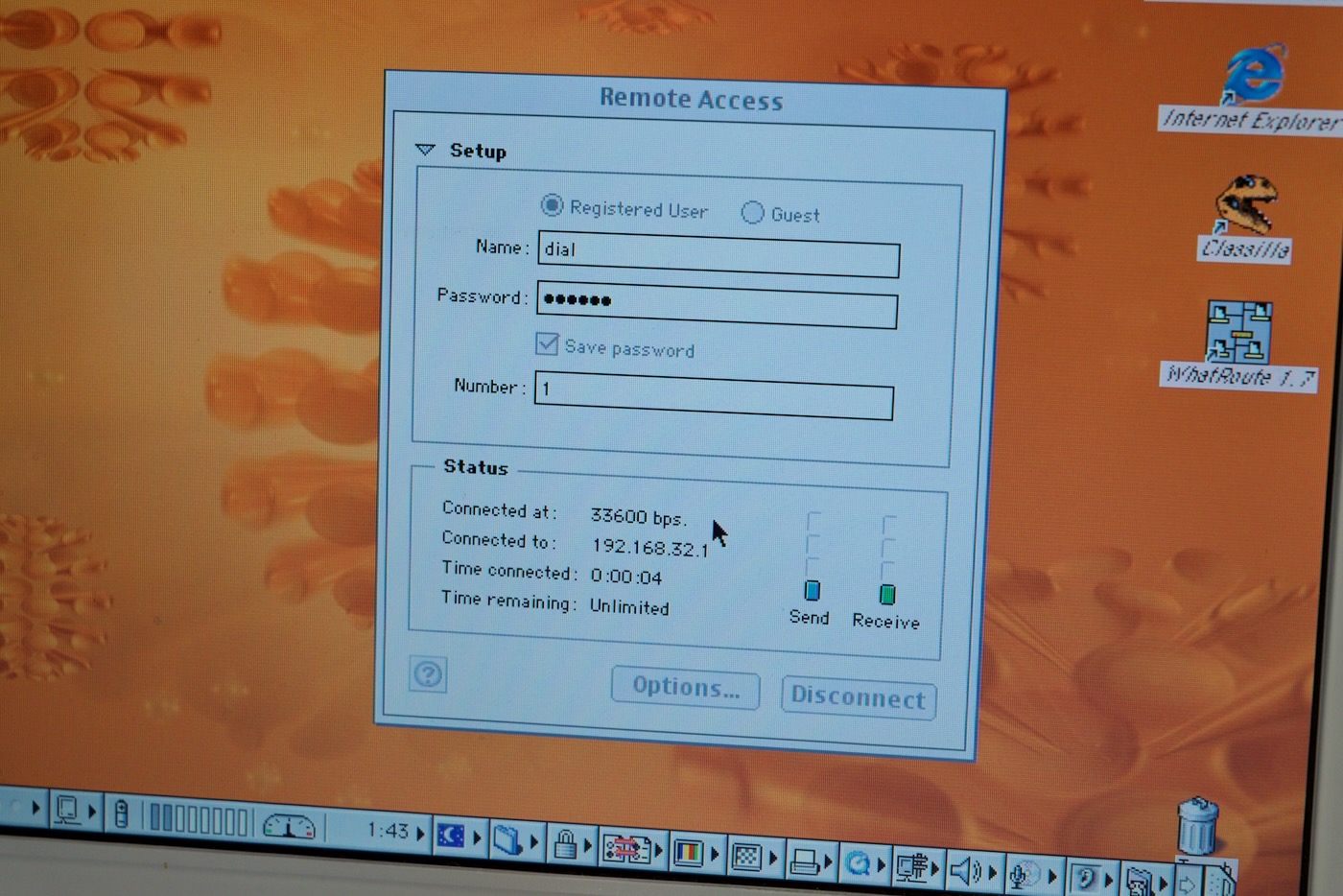
Client dials “ATDT 1234” (mgetty listens on any ring). Negotiates V.42bis compression, connects at 46.7Kbps effective. Pi assigns 192.168.1.100/24; route traffic to your LAN. Add dnsmasq for fake “aol.com” resolving to Pi services—host local web, gopher, or BBS.
Tweaks: Set init strings for error correction (AT&F&C1&D2&S0=0). Real-world throughput: 4-5KB/s sustained. Latency <50ms local.
Why It Matters
This isn’t nostalgia porn—it’s practical retro networking. Emulators like QEMU fake hardware but skip modem physics: phase jitter, line noise, retrains. Real iron teaches PPP CHAP auth, PAP pitfalls (insecure plaintext), V.90 fallback cascades. Security angle: Dial-up’s raw serial exposes everything; sniff with Wireshark on Pi’s eth0.
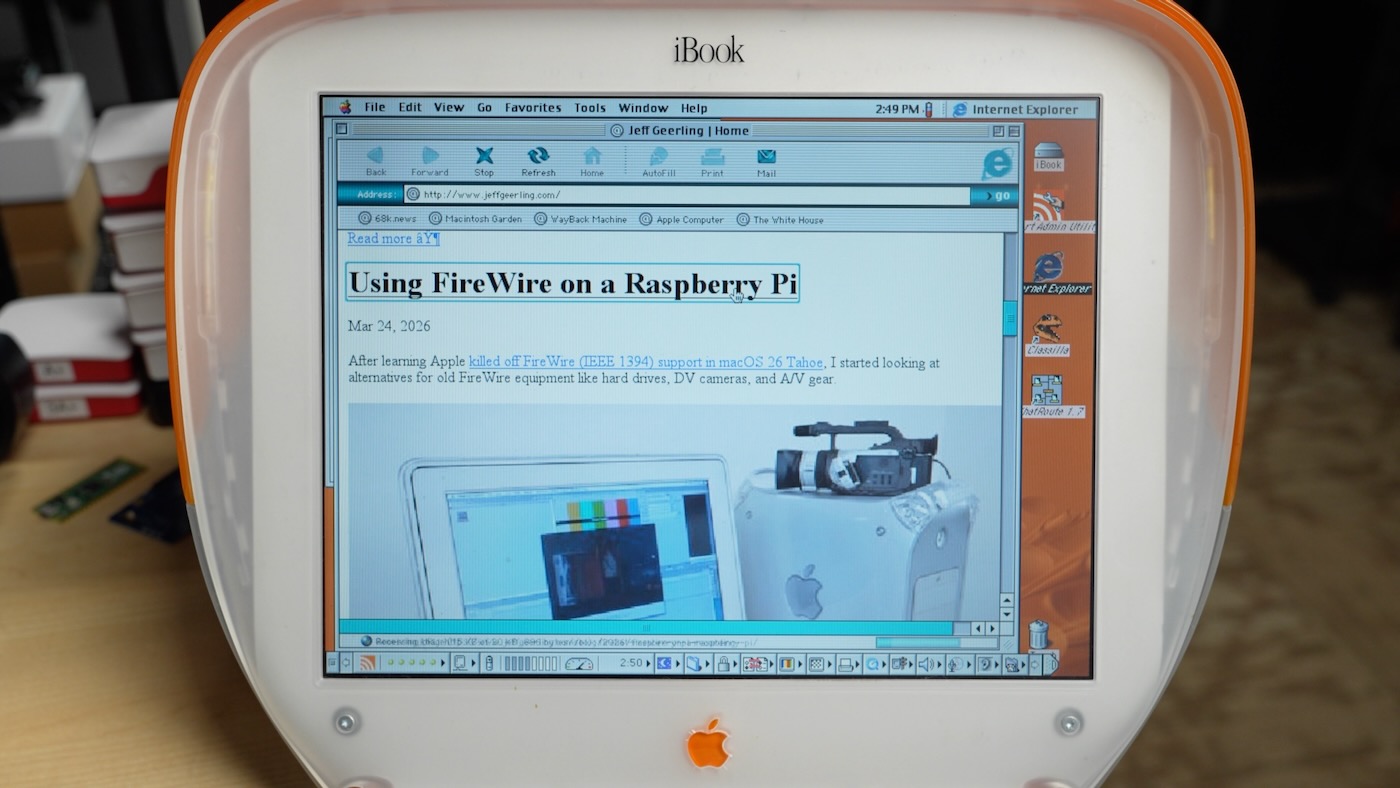
Costs beat commercial PBX gateways ($500+). Scale to multi-line with USB hubs (up to 4 modems/Pi). Implications for air-gapped labs: Test 90s exploits on authentic stacks. Or build private vintage nets—iBook G3 browses your NextCloud at “broadband” 5KB/s.
Fair critique: Why not Wi-Fi bridging? AirPort’s 802.11b joins Pi’s AP directly at 5-8Mbps. But dial-up forces era-correct slowness; perfect for Usenet mirrors or DOOM servers. Expands to VoIP PBX next—Asterisk + FXS ports for $50. Total project: 2 hours setup, endless tinkering. If vintage Macs gather dust, this justifies the shelf space.