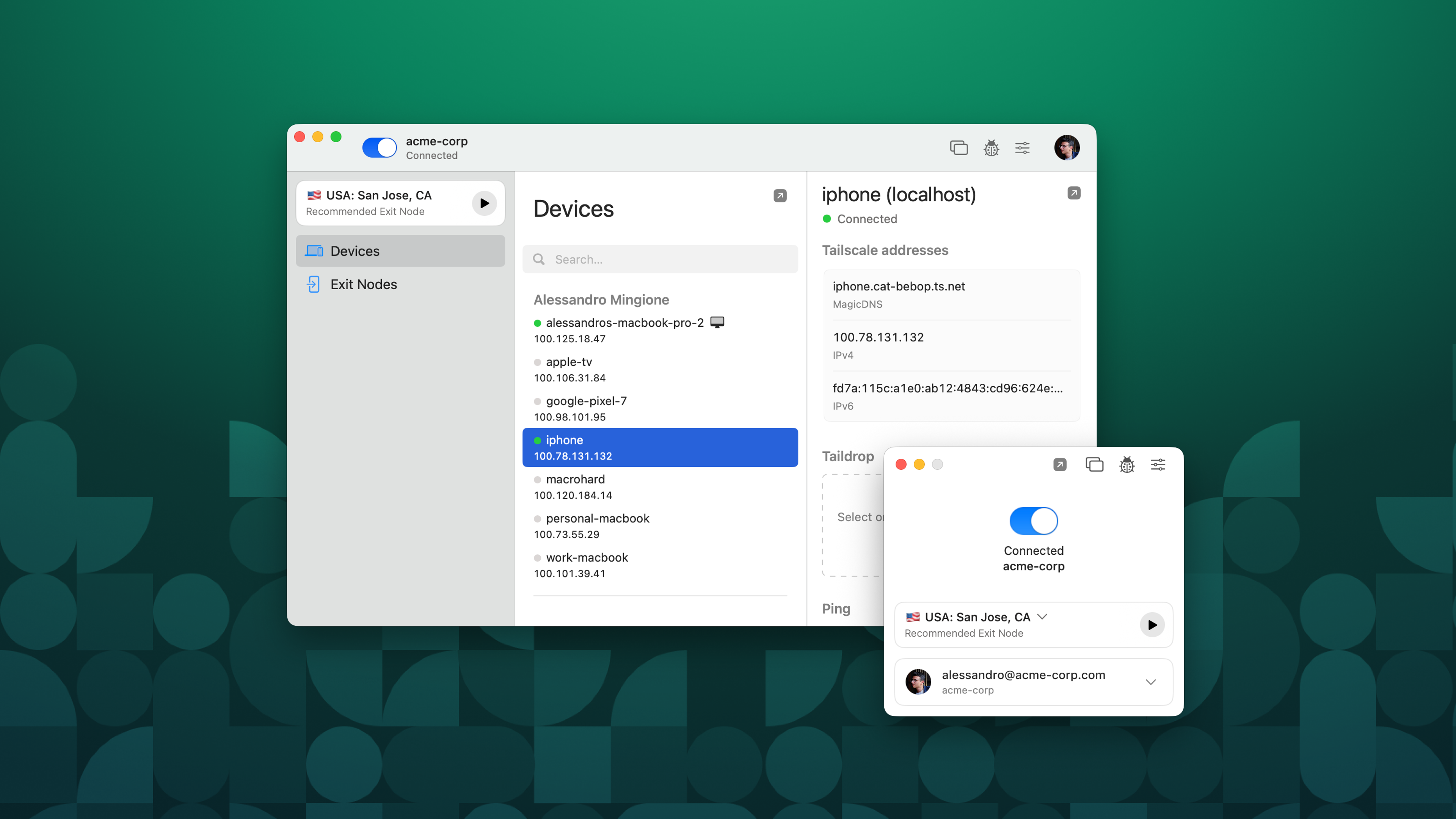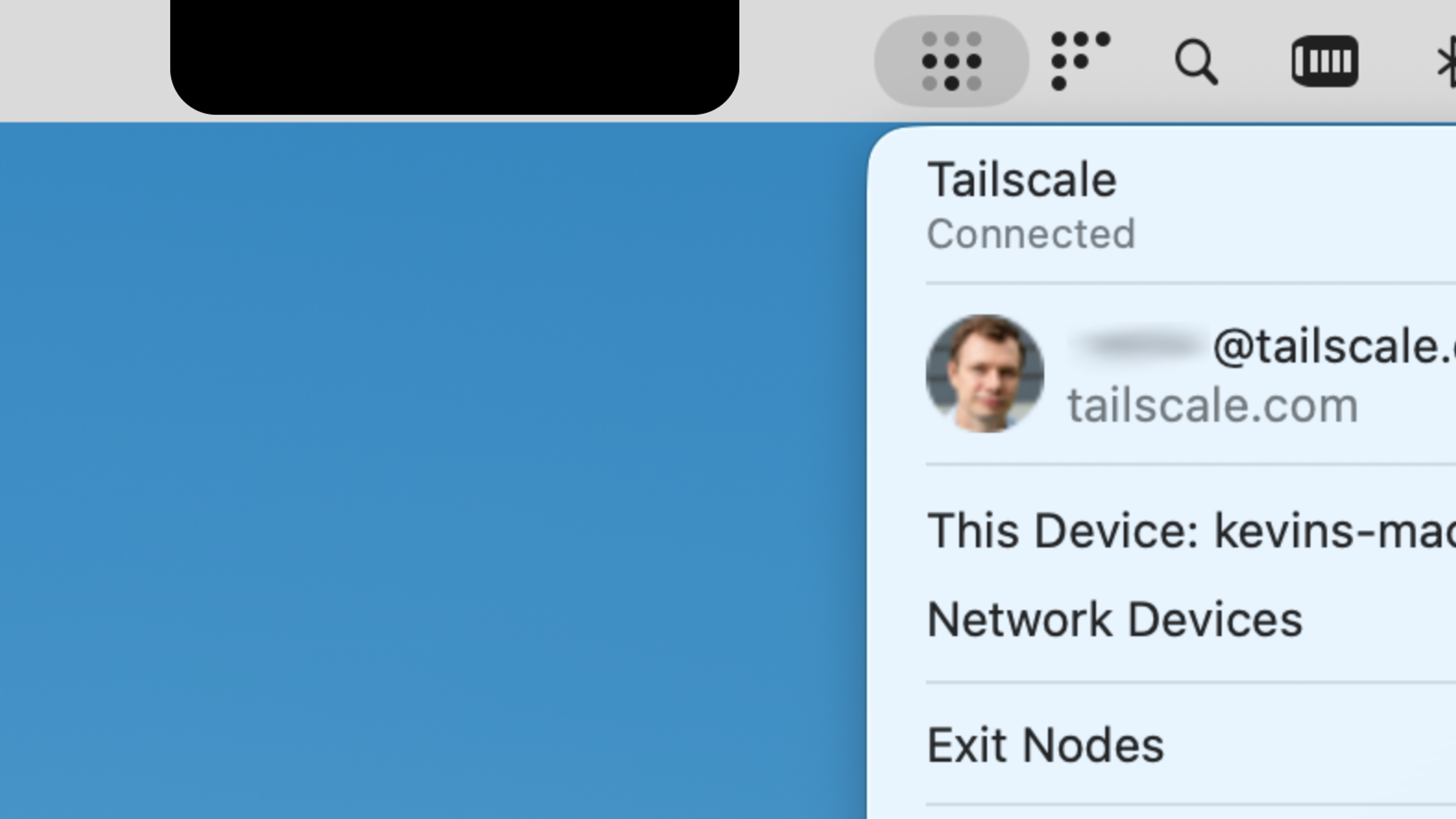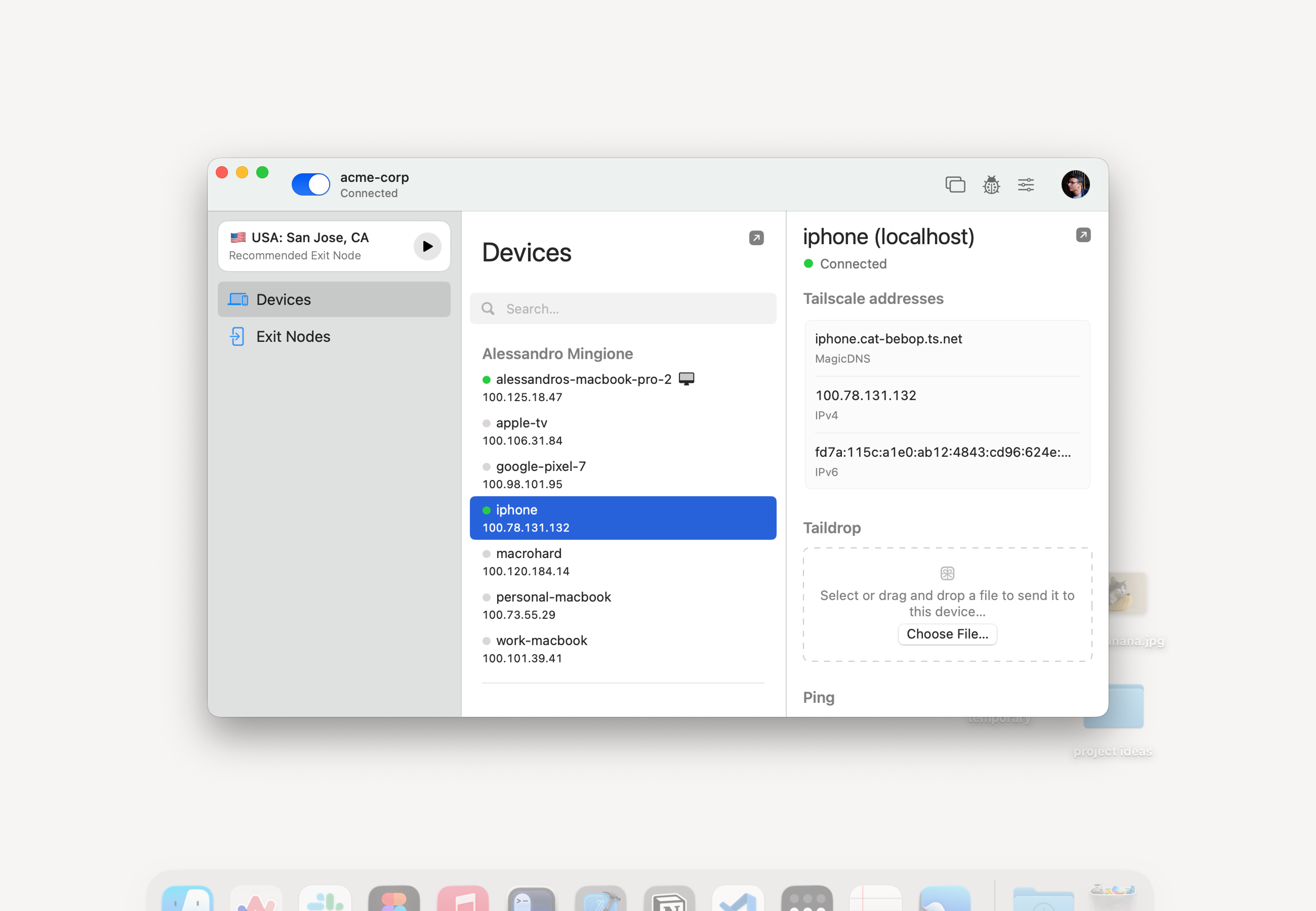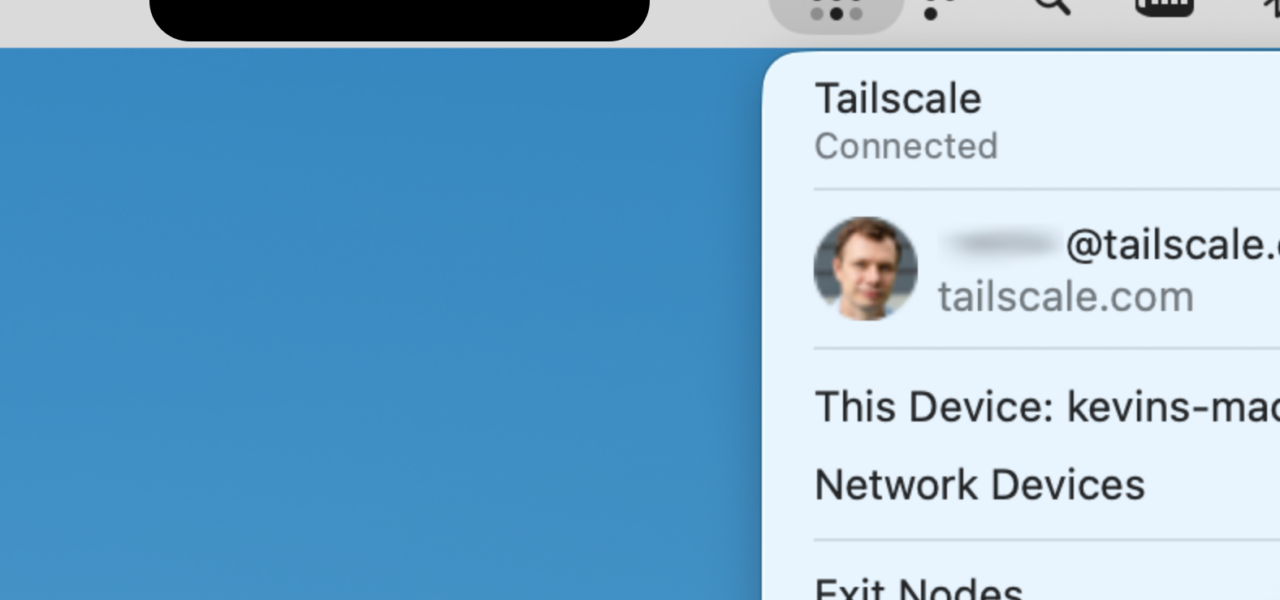
Tailscale released a redesigned macOS app this week, introducing a “Home” screen that centralizes network management for everyday users. The update strips away complexity, displaying connected devices, quick toggles for exit nodes, and one-tap WiFi sharing. No more digging through menus—everything critical sits front and center in the menu bar.
This isn’t a minor tweak. Tailscale, built on WireGuard with peer-to-peer encryption, already secures over 3 million nodes worldwide as of mid-2024. Their coordination server handles key exchange and hole-punching, but all data tunnels directly between devices. The new macOS interface targets home users frustrated by traditional VPNs that only proxy internet traffic, ignoring local network access.
Key Changes and How They Work
The Home screen lists your tailnet devices with real-time status: online/offline, battery levels for mobiles, and load indicators. Tap to connect directly, share your Mac’s internet as an exit node, or broadcast your current WiFi credentials to guests. Tailscale claims sub-second reconnects via their DERP relays when direct UDP fails.
Under the hood, it leverages macOS APIs for native notifications and menu bar integration. No system extension required anymore—Tailscale ditched that for a user-space driver, reducing install friction. Benchmarks from their blog show 20-30% faster NAT traversal on Apple Silicon compared to the old client.
For developers, ACLs remain granular. You define who sees what via JSON policies in the admin console. Example: Grant a guest device read-only access to your printer’s IP without exposing your entire LAN.
{
  "acls": [
    {
      "action": "accept",
      "src": ["guest"],
      "dst": ["printer:443"]
    }
  ]
}
This setup matters because most users botch firewall rules. Tailscale enforces least-privilege by default.
Why This Moves the Needle
Home networking sucks. Consumer routers from Netgear or TP-Link ship with default passwords, UPnP holes, and zero encryption for IoT sprawl. Tailscale overlays a secure mesh without port forwards or DDNS hacks. Pair it with your Apple TV or HomePod, and suddenly your iPhone accesses the home NAS from Starbucks—encrypted end-to-end.
Adoption stats underscore the shift: Tailscale’s free tier caps at 3 users and 100 devices, yet it powers 20% of Fortune 500 remote access per their claims. This macOS polish could double consumer uptake, challenging NordVPN’s consumer lock-in. Why pay $12/month for a single-hop proxy when Tailscale gives full LAN extension for free?
Security implications cut both ways. Peer-to-peer reduces single points of failure, with WireGuard’s 4kB codebase audited multiple times. But Tailscale’s control plane is centralized—your auth keys touch their Seattle servers. A breach there (unlikely, given SOC2 compliance) could map tailnets. Mitigate by self-hosting the coordination server on your own infra, though that’s advanced.
Skeptical Take: Hype vs. Reality
Tailscale isn’t flawless. Battery drain on iOS remains higher than native apps during always-on VPN. macOS widget support lags—expect that in Sonoma 15. The Home screen shines for small tailnets; scale to 50+ devices, and it clutters. Competitors like Zerotier offer similar meshes with less polish but open-source purity.
Still, this update signals Tailscale’s pivot to mass-market. They’ve raised $116M total, valuing at $1B+ unicorn status. Investors bet on enterprise stickiness spilling to homes. For you: Download it, spin up a tailnet in 60 seconds, invite your fridge. If it sticks, your home network jumps from 1990s relic to 2024 fortress.
Bottom line: Tailscale just made secure networking feel like using Finder. In a post-Log4j, IoT-vulnerable world, that’s no small win. Test it—regret minimal, upside huge.