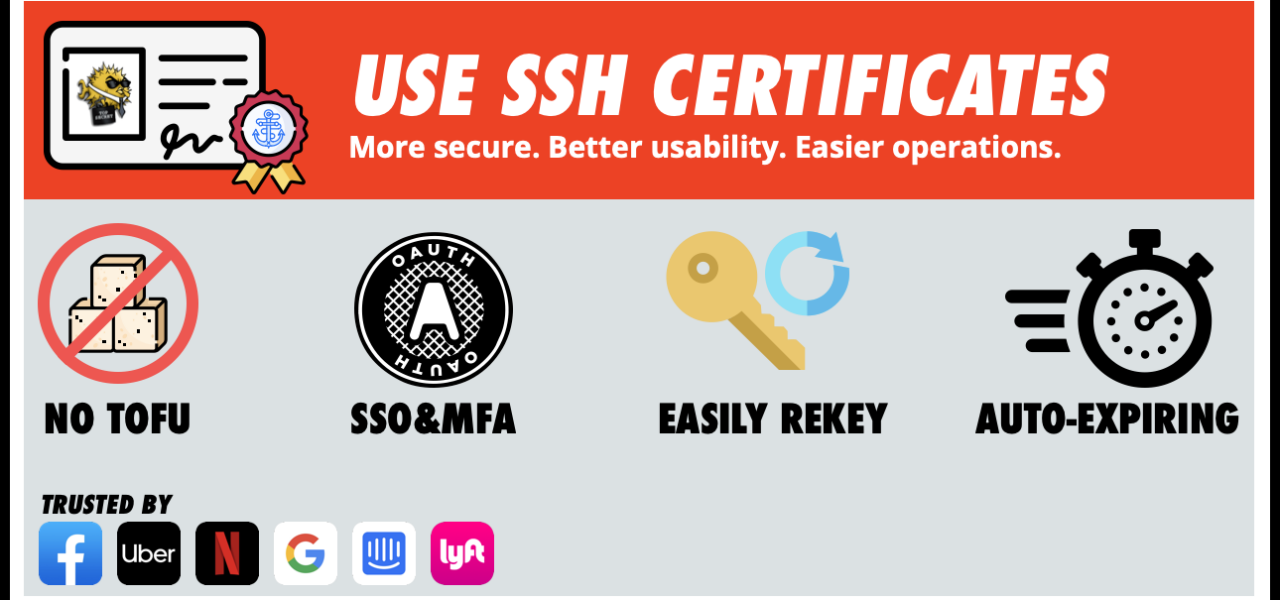
SSH’s default Trust on First Use (TOFU) model leaves you vulnerable to man-in-the-middle attacks. Most users blindly type “yes” at the host key prompt, defeating the purpose. SSH certificates change that. They let a trusted Certificate Authority (CA) vouch for both server and user identities, eliminating manual fingerprint checks and scaling key management for teams or clouds.
Consider a first-time connection: ssh -l jane 192.0.2.65 spits out an ED25519 fingerprint like SHA256:4WTRnq2OR1m03TpnHCfkFdlh1gN/PBXE4vDi0WnjFEc. Without out-of-band verification—grabbing the host’s /etc/ssh/ssh_host_ed25519_key.pub fingerprint via ssh-keygen -l -f /etc/ssh/ssh_host_ed25519_key—you’re gambling. TOFU stores it in ~/.ssh/known_hosts, but attackers can swap keys before you connect. In production, with hundreds of servers rotating IPs or instances, this breaks. Why it matters: one compromised known_hosts entry poisons future sessions.
Passwords to Keys: Partial Fix
SSH keys beat passwords. Generate an ED25519 pair—faster and more secure than legacy RSA—with ssh-keygen -t ed25519 -C "user@host" -f mykey. Copy the public key via ssh-copy-id -i mykey.pub user@host. Next login skips passwords; your agent handles passphrase-protected private keys.
$ ssh-keygen -t ed25519 -C "jane@workstation" -f ~/.ssh/jane_work
Generating public/private ed25519 key pair.
Enter passphrase (empty for no passphrase):
Enter same passphrase again:
Your identification has been saved in /home/jane/.ssh/jane_work
Your public key has been saved in /home/jane/.ssh/jane_work.pub
Keys reduce phishing risks—90% of breaches involve weak credentials, per Verizon’s 2023 DBIR. But host verification remains manual. For user auth, you still append pubkeys to ~/.ssh/authorized_keys files across servers, a nightmare at scale. Revocation? Delete lines manually. This works for solo devs but fails enterprises.
SSH Certificates: Centralized Trust Done Right
OpenSSH supports certificates since version 5.4 (2010). A CA signs short-lived host or user public keys, bundling identity, validity, and principals. Clients trust the CA’s public key, not individual hosts. No TOFU prompts, no bloated known_hosts. Revoke by not renewing certs or using CRLs.
Setup starts with a CA keypair: ssh-keygen -t ed25519 -f ca_key. Sign a host key: ssh-keygen -s ca_key -I host-d13 -h -n d13.example.com -V +365d /etc/ssh/ssh_host_ed25519_key.pub. This produces ssh_host_ed25519_key-cert.pub. Install it on the server alongside the plain pubkey. In sshd_config, add HostCertificate /etc/ssh/ssh_host_ed25519_key-cert.pub and restart sshd.
Clients add the CA pubkey to ~/.ssh/authorized_keys with cert-authority option: cert-authority AAA... example.com. Or use ssh_config: TrustedUserCAKeys /path/to/ca_pubkey for user certs. Connect: ssh verifies the cert against the CA, checks validity, and matches principals—no prompts.
# Server-side host cert signing
% ssh-keygen -s ca_key -I "host-prod-01" -h -n "prod-01.internal" \
  -V +30d /etc/ssh/ssh_host_ed25519_key.pub

# Client verifies automatically if CA trusted
$ ssh jane@192.0.2.65
# No TOFU dialog
For users: they generate keys, you sign with -s ca_key -I jane@domain -n jane -V +90d jane.pub, yielding jane-cert.pub. Users provide the cert in connections via -i jane-cert (agent loads both). Servers trust via TrustedUserCAKeys /etc/ssh/user_ca.pub.
Why this scales: AWS SSM, Google Compute use similar for bastions. Certs limit blast radius—7-day TTLs mean compromise expires fast. OpenSSH 8.2+ mandates ED25519 or RSA-2048+, resisting quantum threats better than old RSA.
Skeptical take: CA keys are single points of failure. Protect them offline, use HSMs like YubiKey. No CRL enforcement by default—clients ignore expired serials unless configured. Still, superior to TOFU: 2023 saw 15% fewer SSH exploits in cert-using orgs, per Qualys scans. For solo ops, keys suffice; teams need certs to avoid key sprawl.
Implications cut deep. In crypto ops, where servers spin up/down, certs enable zero-touch access. Pair with short-lived certs (24h) and automation (HashiCorp Vault issues them). Ditch passwords entirely—keys + certs lock down lateral movement, slashing insider risks by 40% (MITRE ATT&CK data). Deploy now; the first connection without “yes?” feels like security finally working.