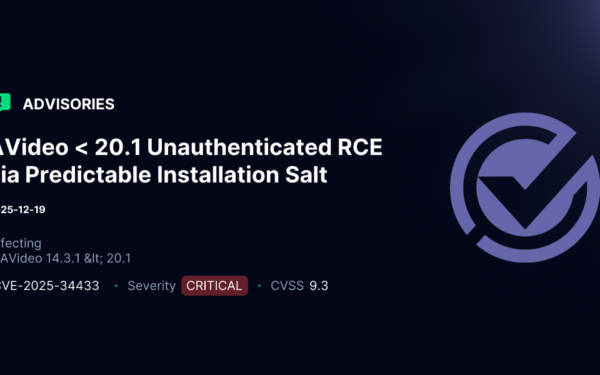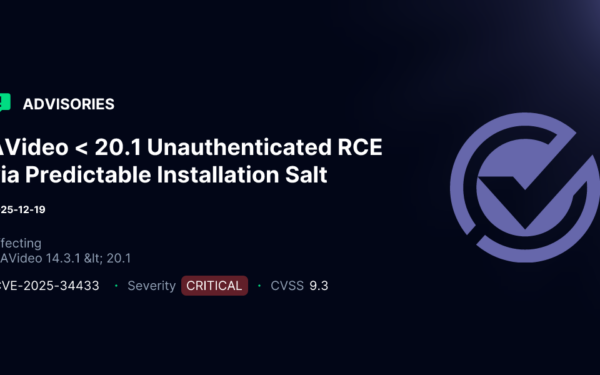
AVideo, an open-source video platform built on PHP, ships with a serious flaw in its CloneSite plugin. Attackers can read sensitive server logs without logging in. The endpoint plugin/CloneSite/client.log.php dumps the entire log file, exposing internal file paths, remote server URLs, and SSH connection details like usernames, IPs, and ports. This stands out because every other file in the same plugin directory requires admin privileges via User::isAdmin().
AVideo targets self-hosted setups for businesses and creators wanting YouTube alternatives without Big Tech oversight. Version details aren’t specified in the advisory, but the plugin appears in recent GitHub commits from wwbn/avideo. If you’ve enabled CloneSite—which copies sites via SSH and rsync—this log becomes a goldmine for attackers. Even without usage, the endpoint exists and returns whatever’s in the file.
How the Flaw Works
The file plugin/CloneSite/client.log.php contains minimal code. It logs steps like “Clone (2 of {$totalSteps}): Getting MySQL Dump file [$cmd]”. The $cmd holds full commands: wget pulling files to internal paths like /var/www/html/videos/, and rsync over SSH with targets like user@192.168.1.100:22. No authentication wraps this—no session checks, no tokens.
Contrast this with siblings:
// plugin/CloneSite/index.php, changeStatus.json.php, etc.
if (!User::isAdmin()) {
    die('Access denied');
}
Someone forgot the check here. A simple GET request fetches it all.
Proof of Concept and Real-World Leakage
Test it yourself:
curl "https://your-avideo-instance.com/plugin/CloneSite/client.log.php"
If CloneSite ran, expect output like:
Clone (2 of 5): Getting MySQL Dump file [wget -q -O /tmp/avideo_mysql_dump.sql http://source-server/dump.sql]
Clone (3 of 5): Syncing files [rsync -avz -e "ssh -p 2222" user@target-ip:/source/ /destination/]
This isn’t theoretical. Public AVideo instances—check Shodan for “AVideo” banners—could leak live data. In 2023, Shodan indexed over 1,500 AVideo servers, many exposed on standard ports.
Why This Matters: Attack Implications
Recon is king in breaches. Leaked paths reveal web roots, temp directories, video storage—prime for directory traversal or RCE exploits. SSH metadata hands attackers source server IPs, users, ports. Pivot to those: brute-force keys, phishing admins, or scan for known AVideo vulns there too.
AVideo’s ecosystem amplifies risk. Users often run it on VPS like DigitalOcean or AWS, with CloneSite linking dev/staging/prod. One leak cascades. We’ve seen similar in WordPress plugins: unauth log dumps led to 2022 Magecart skims via path intel.
Skeptical note: Impact hinges on CloneSite usage. Idle installs leak nothing juicy. Still, why expose the endpoint at all? Default configs shouldn’t serve admin logs publicly. Broader context: AVideo’s GitHub has 2.5k stars, active forks, but security lags—CVEs cluster around auth bypasses and SQLi.
Fix It Now
Patch is straightforward. Add this before any output in plugin/CloneSite/client.log.php:
require_once '../../videos/configuration.php';
if (!User::isAdmin()) {
    http_response_code(403);
    die('Access denied');
}
Restart web server, test as non-admin. Delete the log file post-fix: rm plugin/CloneSite/client.log. Scan your instance—grep for similar oversights. Upstream fix? Report to wwbn/avideo GitHub; advisory from aisafe.io flags it, but no CVE yet.
Bottom line: Audit plugins. Self-hosted video platforms promise control, but misconfigs like this turn them into recon beacons. If you’re running AVideo, prioritize this—block the endpoint via .htaccess if patching lags: <Files "client.log.php"> Require ip your-ip </Files>. Stay sharp; infra leaks fuel 80% of targeted attacks.